
Influenced by artists like René Magritte and Chema Madoz, Swiss-born photographer Monica Carvalho began to see the possibilities that photography presented.
Not satisfied with taking a normal image, she has combined her two passions of photography and surrealism.
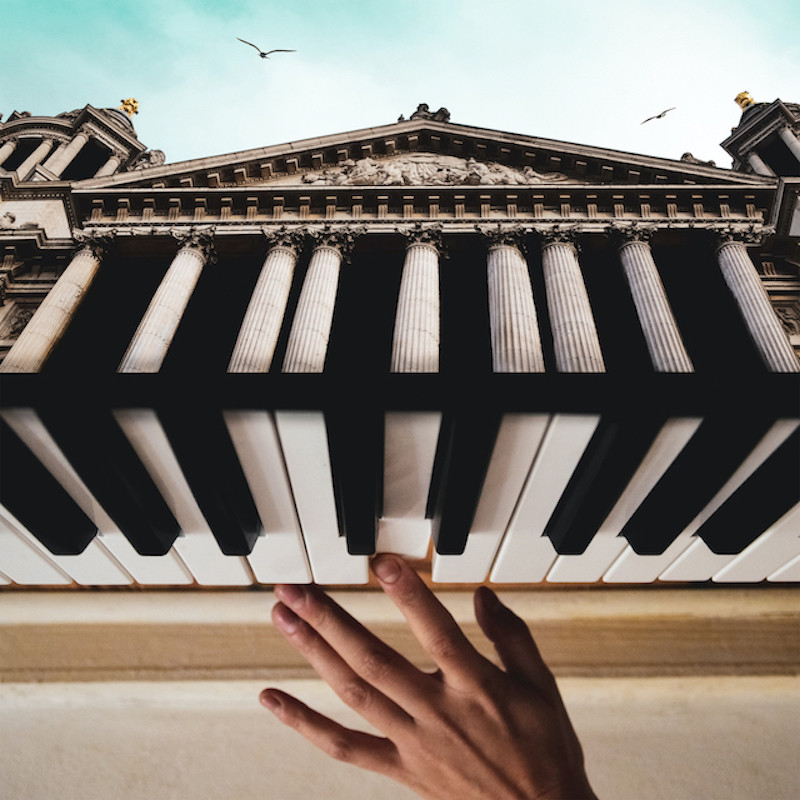
Carvalho, now based in Berlin, Germany, says that her passion has become looking at images she takes with a new perspective and creating surreal images that make viewers want to make a double-take.
She only uses her own original photography in her work, and says that her motto is to make the ordinary, extraordinary.
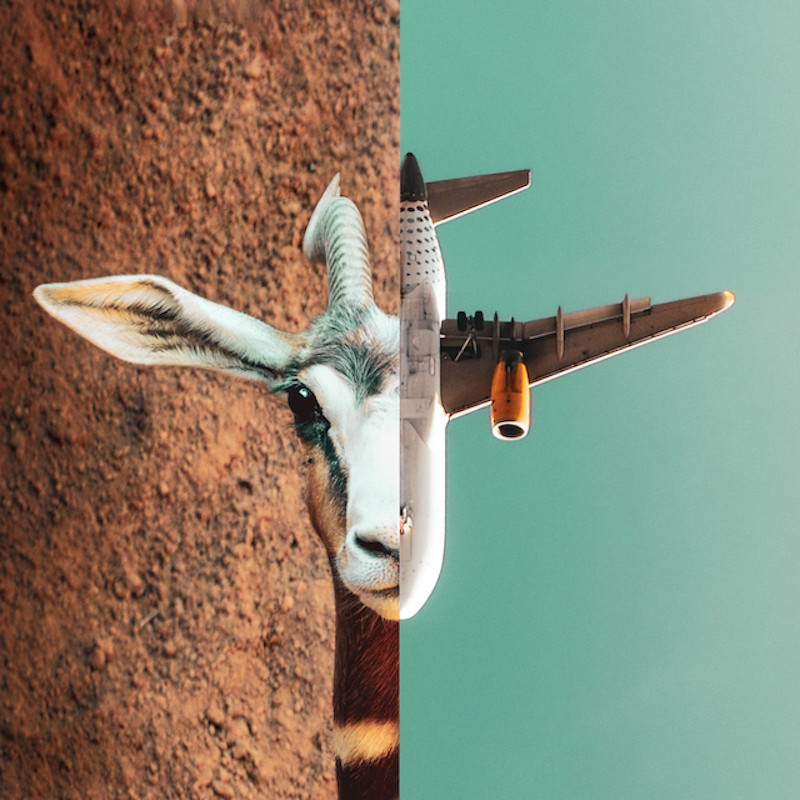
“My passion for photography goes a long way back,” Carvalho tells PetaPixel. “I always loved documenting family travels: new cities, architecture, food, animals. My camera (a Nikon D5600 18-55mm since 2011) enabled me to live these memories and happy moments again.”

After being visually challenged by surrealist artists in college, she realized that her own love for photography offered the opportunity for her to play around with imagery and invent new stories.
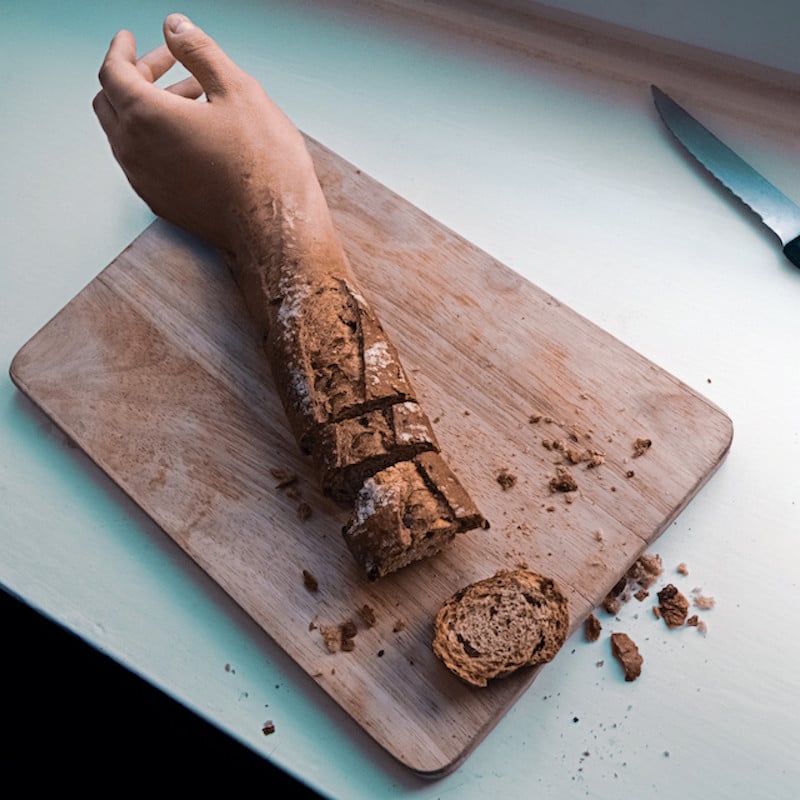
“I yearned for something more than just take photos: whatever I was going to create had to be challenging for the eyes. So, I sought a way to combine my two existing passions – photography and surrealism.
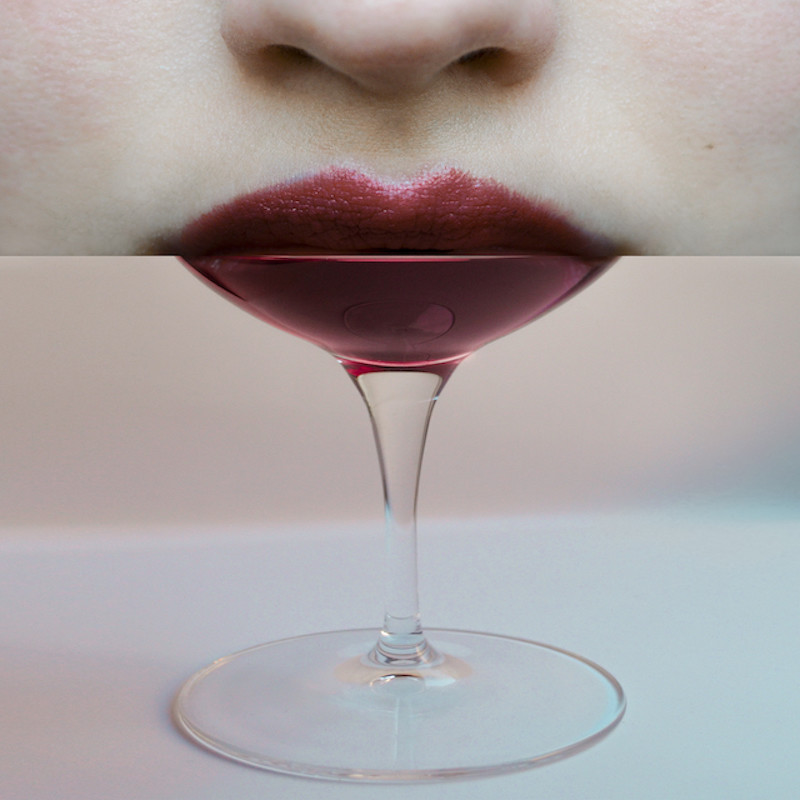
The solution came to me as Adobe Photoshop, because it allowed me to merge my photos with my imagination. My USP is that I only use my own photos for my work – this makes my art both challenging and exciting!”

Carvalho says that her process involves combining two or more photos in order to give birth to a new photo, a new world.
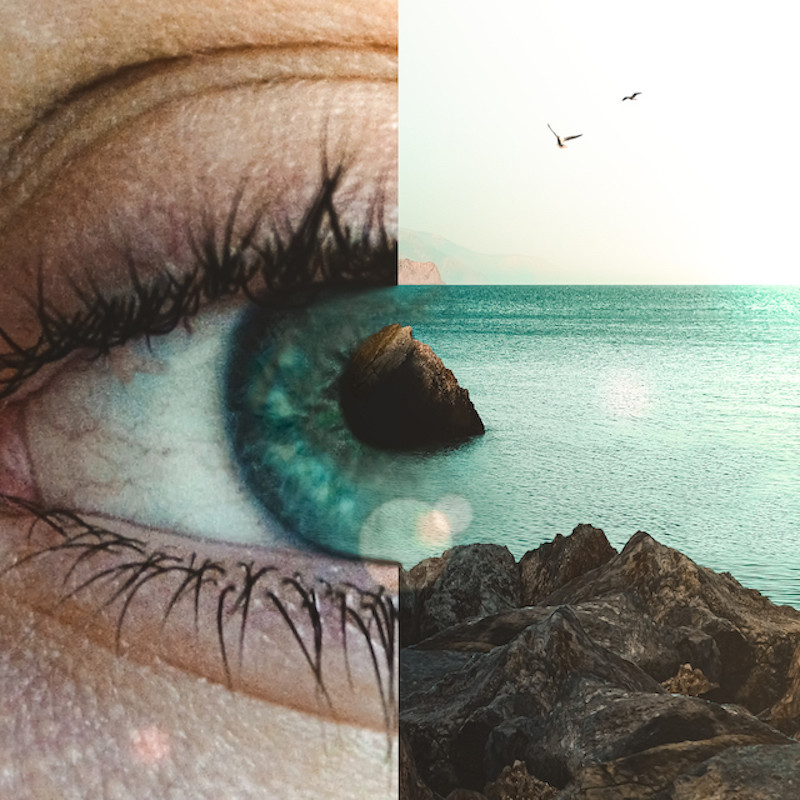
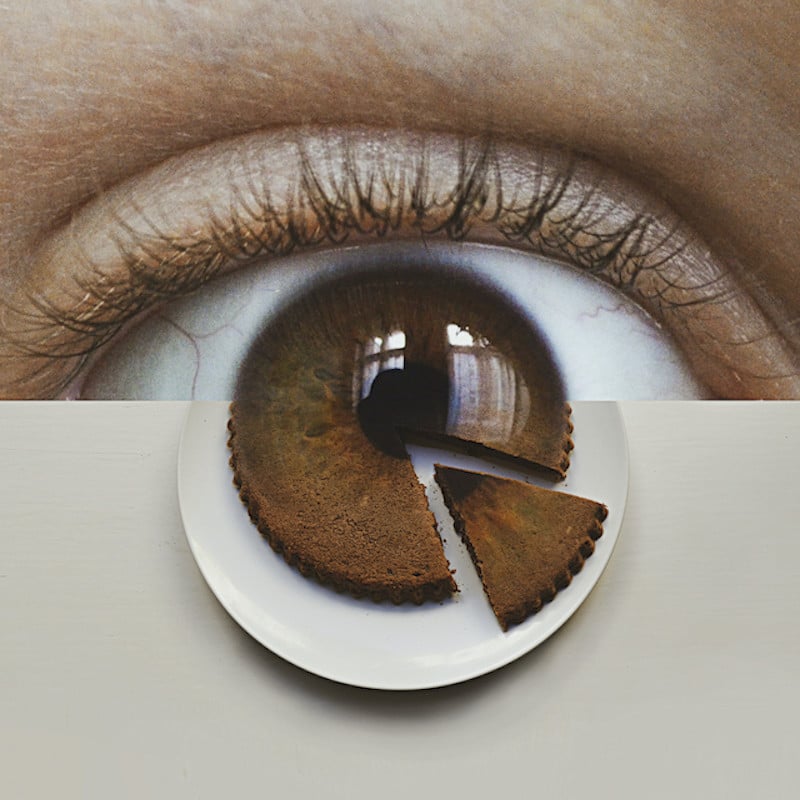
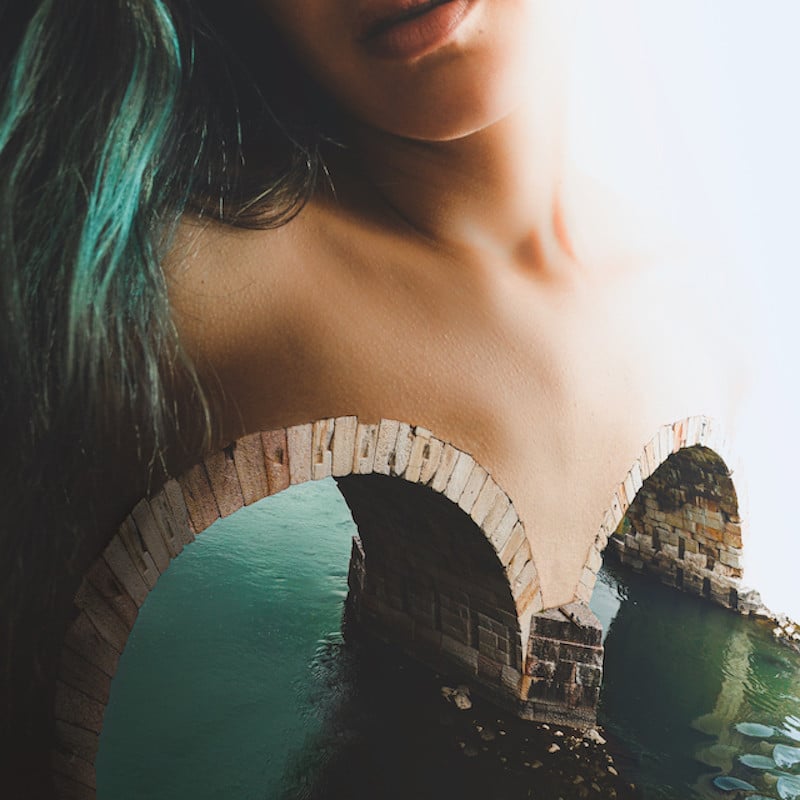
“Making something ordinary extraordinary to me means to elevate that thing to a new level of meaning by changing its purpose. Everyday objects are so familiar that we don’t think about them twice, we just use them for their function. My photomontages claim that an object doesn’t necessarily only have one function.”

“I especially love using eyes in my work, because to me they are the most expressive part of the human body. Eye contact is a powerful thing. You can make someone happy, fearful, sad or angry just by how you look at them.”
Carvalho says she is obsessed with imagery, illusion, and the impossible.
“I see my photomontages as the result of a crash between possible and impossible, between reality and imagination. The brain is confused by the juxtaposition of two things it is familiar with but, blended together, doesn’t make sense in our world.”
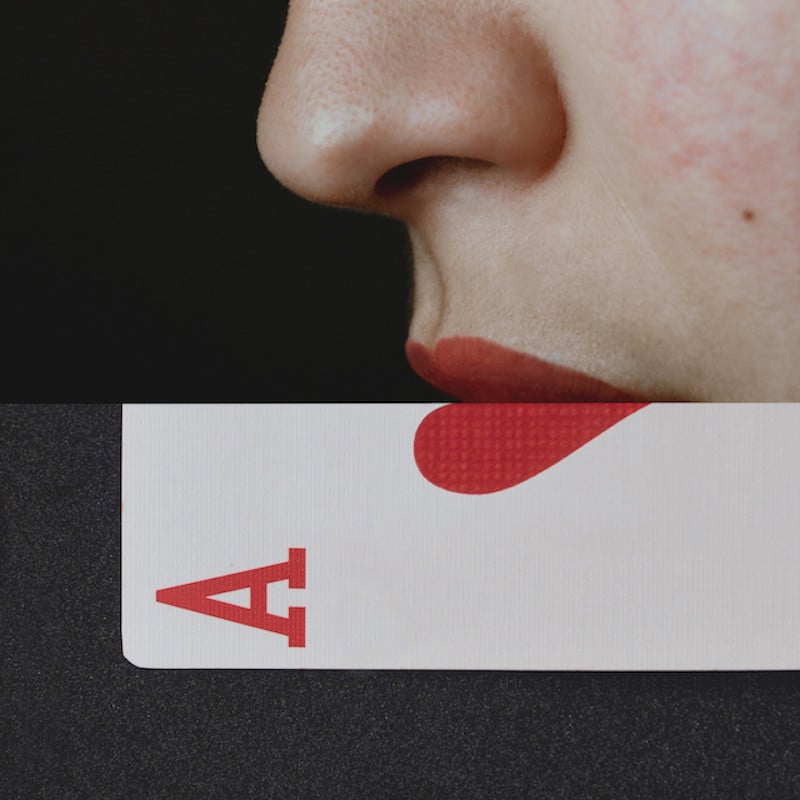

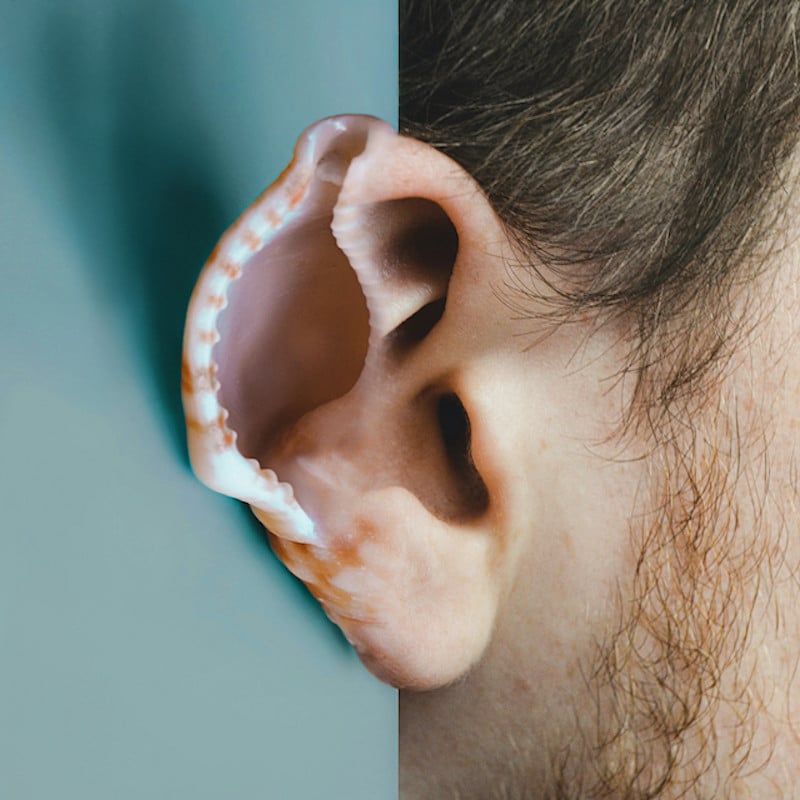

“The aim of my work is to inspire people, to offer them a new way of seeing everyday objects. I want to demonstrate that anything has the power to inspire!”
For more from Monica Carvalho, you can follow her on Instagram or visit her website.


